Find a Public TikTok Username
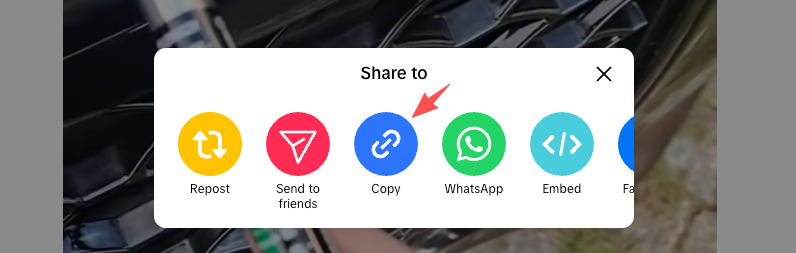
Copy any public @username or profile URL that you want to open in the TikView profile viewer.
No Sign-In. No App. View Public Profiles Anonymously.
Copy any public @username or profile URL that you want to open in the TikView profile viewer.
Submit the public username or profile URL to resolve public profile data without signing in through this site.

See the avatar, bio, followers, public stats, and video grid when supported public profile data is available.
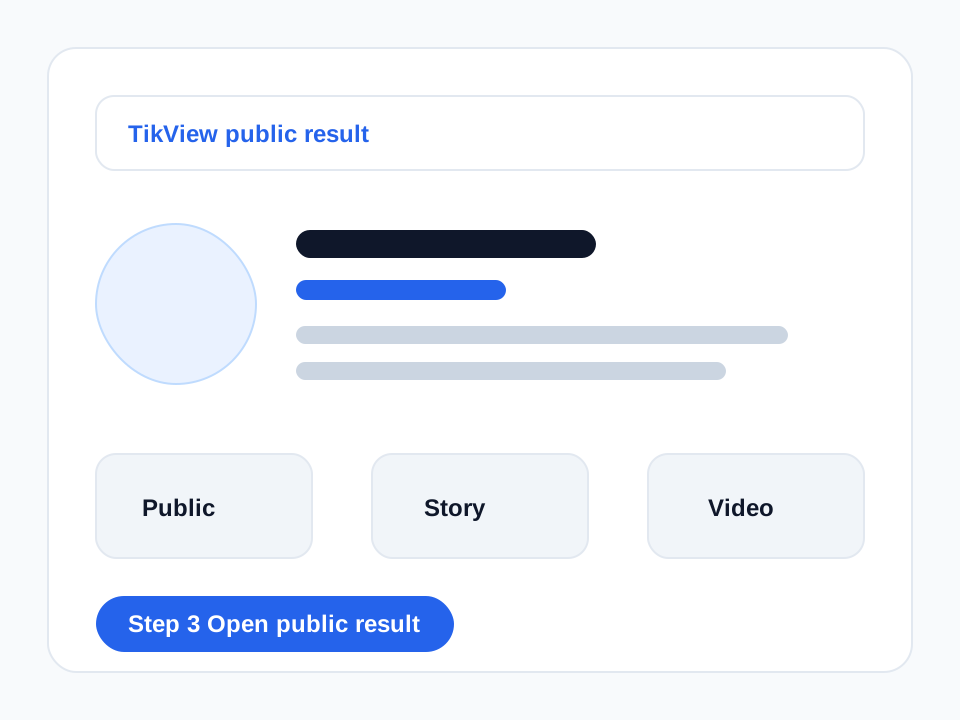
TikView opens supported public profile data in a clean browser view. Use the TikTok story viewer when stories are the focus, or use the TikTok downloader when you need supported public MP4 or MP3 actions.
Open supported public profiles without signing in through TikView or connecting a personal TikTok account.
Review public profile details such as avatar, bio, followers, likes, and visible video counts when supported data is available.
Paste a public @username or profile URL and let TikView resolve the supported public destination.
TikView cannot unlock private accounts, restricted profiles, deleted pages, blocked content, or login-only platform features.
TikView is built for public profile access, not private account access. It cannot force unavailable accounts to appear, bypass restrictions, or recover deleted profile data.
The TikView profile viewer is a browser tool for opening supported public TikTok profiles, public stats, and public video lists without signing in through this site.
Paste a public TikTok username or profile URL into TikView. If supported public profile data is available, the profile opens in your browser without requiring a TikTok login.
No. TikView never logs in as you, so it does not use your personal TikTok account to view a creator profile.
Yes, when supported public profile data includes followers, likes, video count, or other public stats, TikView can show them in the browser.
No. TikView does not bypass private accounts, restricted profiles, login screens, deleted pages, or platform access controls.
TikView can show public videos returned by supported public profile data. It cannot guarantee every video, private post, deleted post, or restricted item will appear.
Yes. The profile viewer works in mobile browsers on iPhone, Android, iPad, and desktop when the public profile data is supported.
If the username is unavailable, private, removed, restricted, or unsupported, TikView cannot force the profile to appear.